
An app to revolutionize PDF management
PDF Pro: Edit, Sign & Fill PDF is a freemium productivity app that allows you to read and edit PDF files. Developed by PDF Office Lab, this file editing program lets you access your files usually-locked data and be able to modify its content. From editing the text to moving the pictures, you can do so with ease.
Top Recommended Alternative
However, unlike other PDF editors, PDF Pro: Edit, Sign & Fill PDF locks much of its features behind a paywall, meaning you’ll have to get a subscription to see its full potential. You can avail its three-day free trial to check the premium features out.
Access and edit PDF files easily
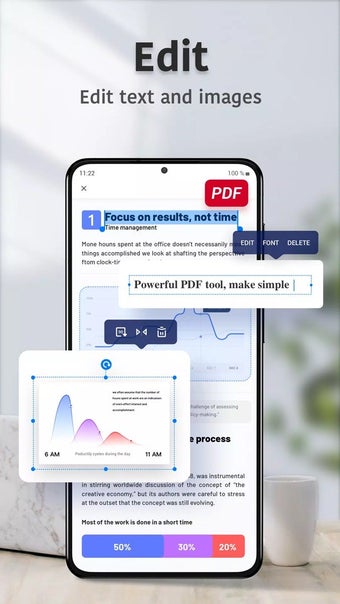
PDF Pro: Edit, Sign & Fill PDF offers the standard fare of features that you would come to expect from such an app. Like most PDF editors, you have the text-editing feature, which lets you directly work on the file’s content like you’re on an MS Word document. You can adjust the position of any text, align them, and change the style, font, font size, and color of the text.
Most formatting options can be done with this PDF editor — however, not all changes register due to the app constantly glitching out. Aside from text-editing, you can also fiddle with the images in your file or even draw on them. If you’re adding new text, you can move the images around to rearrange the composition of the pages. This app also allows you to configure settings like layer, transparency, symmetry, rotation, and stretching.
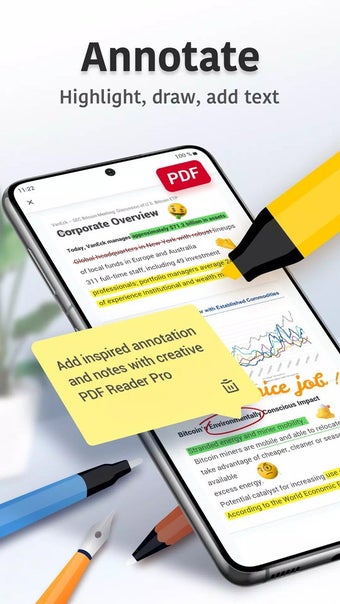
Aside from moving images around and configuring their settings, the program also enables you to insert entirely new images into the PDF files. If you want to add annotations instead of normal text, on the other hand, you can make use of the four colors available to spice things up. Other changes you can make include merging and splitting pages, changing the page order, and inserting blank pages.
Other features for file editing and management
Aside from its text and editing features, PDF Pro: Edit, Sign & Fill PDF offers other tools for your PDF editing needs. You can effortlessly add notes, comments, and annotations, enhancing your document's interactivity. Moreover, the search feature enables swift text location within PDF files, while bookmarking facilitates easy reference to important pages. The ability to convert PDFs to Microsoft Office formats, including Excel and PowerPoint, further expands your editing possibilities.
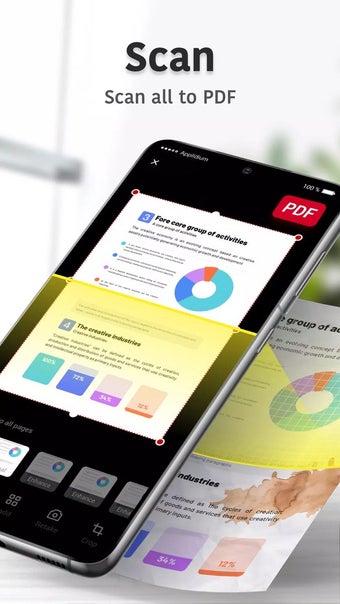
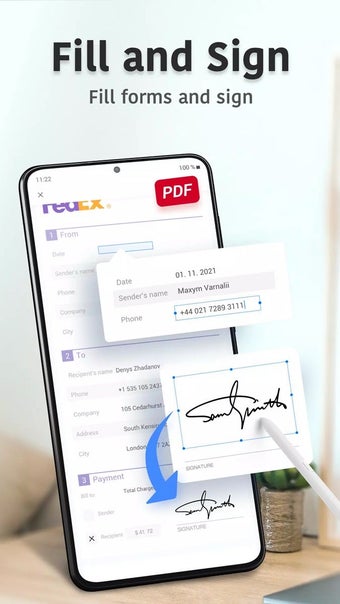
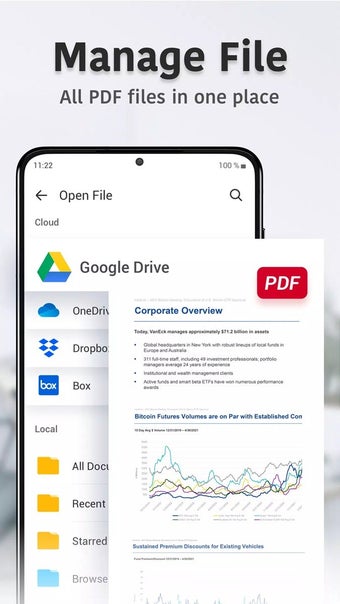
Managing files is also a breeze with this PDF editor. That’s because it has options to star, rename, copy, move, or delete files — all while seamlessly integrating with Dropbox and Google Drive. The app also excels in form filling and signing so you can efficiently complete, save, and send PDF forms from virtually anywhere. Additionally, the document scanning feature ensures a quick and high-quality digitization process, optimizing clarity and sharpness.
However, this program does require some improvement. The text formatting is only sub-optimized, which causes lines to appear misplaced despite proper formatting in the original file. Additionally, the app offers limited font styles that limits customization options. Despite these drawbacks, this PDF editor still stands out as a versatile and efficient tool for file management and is a valuable addition to your digital toolkit.
Master PDFs with ease
PDF Pro: Edit, Sign & Fill PDF is a robust solution for editing, signing, and managing PDFs. Its feature-rich environment, from editing tools to seamless file management, caters to various needs. While there are areas for enhancement, such as text formatting and font style options, the app provides a solid foundation for efficient PDF handling. With its scanning capabilities and compatibility with cloud services, this editor remains a valuable companion for anyone dealing with PDF documents regularly.